
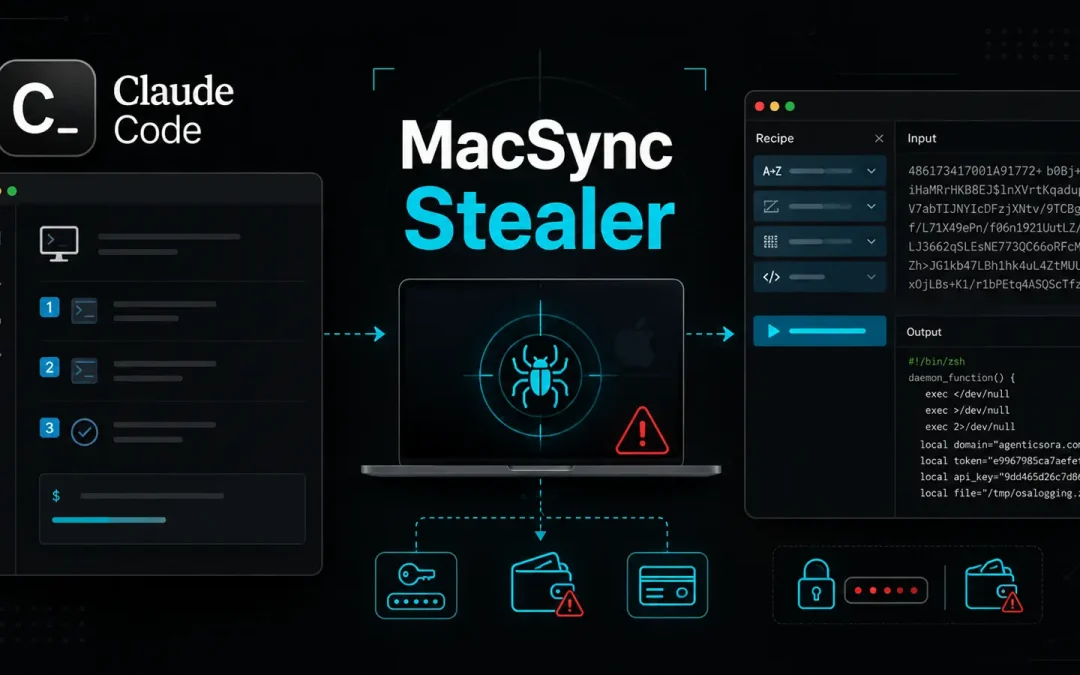
Mac users searching for Claude installation help have been led into a dangerous trap.
A malicious campaign used a paid search result and a fake guide on a legitimate Claude sharing page to persuade victims to paste a command into Terminal. That action started the MacSync information-stealing malware.
The campaign shows how software searches can become an entry point for account theft. Rather than exploiting a flaw, the operators relied on trust in a familiar domain, a convincing guide, and a command that looked like an installation step.
The result can be stolen browser sessions, passwords, cloud keys, and cryptocurrency wallet data. Huntress analysts identified the malware after investigating a macOS intrusion in mid-July.
Huntress said in a report shared with Cyber Security News (CSN) that MacSync combines credential theft, remote access, screen capture, and wallet-focused phishing in a six-stage chain.
The case echoes fake Google advertising campaigns, where sponsored results turn searches into malware delivery.
MacSync collects saved logins, cookies, keychain data, Telegram sessions, SSH and cloud credentials, then targets wallet extensions and desktop wallet applications.
It can also gain continued access after the initial theft, placing both personal accounts and business resources at risk. A stolen recovery phrase can give criminals lasting control of digital assets.
MacSync macOS Stealer Uses Fake Claude Guide
The victim searched Google for instructions to install Claude on a Mac and clicked a sponsored result instead of the genuine listing.
The ad led to a public Claude conversation styled as an Apple Support guide. It instructed the user to open Terminal and run a Base64-obscured curl command, an approach also seen in Claude artifact ad attacks.
That command fetched a loader, then retrieved the rest of the operation. The loader called a remote AppleScript directly into memory, reducing evidence on the device.
.webp)
It also attempted to make the victim grant Terminal Full Disk Access, opening protected areas containing browser and system data.
Once access was granted, the AppleScript displayed a false system prompt and repeatedly requested the macOS account password until it validated.
It harvested browser cookies and saved logins, keychain secrets, cloud and developer files, and Telegram session data. The malware packaged the information for upload before removing temporary files.
MacSync goes beyond a one-time data grab. It installs a persistent remote-access tool that can run commands, transfer files, and capture the screen after obtaining permission.
This reflects malicious ad delivered backdoors, which can turn a deceptive download into prolonged system access.
Wallet Theft Raises Stakes
The operators gave MacSync a strong focus on cryptocurrency theft. The stealer searches for data linked to roughly 60 wallet browser extensions and 21 desktop wallet applications.
If it finds certain hardware-wallet companion applications, it can replace their contents with trojanised versions that appear normal when opened.
Those altered applications display a fake recovery process designed to collect the wallet’s seed phrase.
The phrase is sent to attacker-controlled servers, while the program returns the victim to the genuine application whether the transfer succeeds or fails. That can create irreversible loss because recovery phrases control the wallet itself.
Users should download software only from official vendor pages and treat sponsored results, shared AI conversations, and support posts as unverified until checked.
.webp)
They should never paste commands into Terminal because a web page asks them to do so. Any unexpected Full Disk Access request during setup deserves close scrutiny, as noted in macOS ClickFix wallet theft.
Security teams should prioritize behavior, not just file hashes, because MacSync loaders change with each build.
Useful signs include Base64-decoded URLs piped into zsh, Terminal launching AppleScript from a curl request, unfamiliar LaunchAgents, re-signed wallet applications, and non-Apple screen capture.
Organizations should isolate suspected devices, rotate exposed passwords and tokens, and move wallet assets to a new recovery phrase from a trusted device if one may have been entered.
Indicators of Compromise (IoCs):-
| Type | Indicator | Description |
|---|---|---|
| Domain | agenticsora[.]com | Delivery infrastructure |
| Domain | malwareaudit[.]com | Alternate loader delivery infrastructure |
| URL | hxxp://agenticsora[.]com/curl?token | Zsh loader endpoint |
| URL | hxxp://agenticsora[.]com/dynamic?txd=token | Stage 3 AppleScript delivery |
| URL | hxxp://agenticsora[.]com/gate?build=txd&token=uploadid | Chunked data upload endpoint |
| URL | hxxps://agenticsora[.]com/loaderagent?token | Mach-O RAT download endpoint |
| URL | hxxps://agenticsora[.]com/loadercapture-agent?token | Screen-capture helper download |
| URL | hxxps://agenticsora[.]com/ledger?token | Trojanised wallet payload |
| URL | hxxps://agenticsora[.]com/ledgerlive?token | Trojanised wallet payload |
| URL | hxxps://agenticsora[.]com/trezor?token | Trojanised wallet payload |
| IP address | 85.206.161[.]241:8443 | RAT command-and-control server |
| IP address | 103.216.221[.]95 | Operator panel IP recorded in Stage 3 beacon |
| URL | hxxps://main.sdhomeinspectors[.]com/modules/wallets | Ledger recovery-phrase collection endpoint |
| URL | hxxps://main.southcarolinacounselor[.]com/modules/wallets | Trezor recovery-phrase collection endpoint |
| File artifact | /tmp/macsynctoken.lock | MacSync single-instance mutex |
| File artifact | /tmp/osalogging.zip | Archive containing staged stolen data |
| File artifact | /tmp/sync[random] | Collection staging directory |
| File artifact | /tmp/.kgrab.sh | Keychain Safe Storage theft script |
| File artifact | /tmp/.kpwd | Temporary captured password file |
| File artifact | ~/.zshrc | Temporary curl and zsh persistence entry |
| File artifact | ~/.local/com.apple.[8hex].hcpi | Dropped RAT binary |
| File artifact | ~/.local/.mpwd | Captured account password used by RAT |
| File artifact | ~/.local/com.apple.[8hex].capture.app | Screen-capture helper |
| File artifact | ~/Library/LaunchAgents/com.apple.[8hex].hcpi.plist | LaunchAgent persistence |
| File artifact | /tmp/com.apple.tcc.prompted | TCC prompt tracking file |
| File artifact | /tmp/com.apple.tcc.result | TCC permission result file |
| Application artifact | Applications/LedgerWallet.app | Trojanised wallet application |
| Application artifact | Applications/LedgerLive.app | Trojanised wallet application |
| Application artifact | Applications/Trezor Suite.app | Trojanised wallet application |
| Command artifact | /usr/sbin/screencapture -x | Silent screen capture from a non-Apple parent process |
| SHA-256 | 3db8befc08dc02ab7a76b5193abd81653775e8f3ceac5864c7c2188b2dbd3c54 | Dynamic AppleScript |
| SHA-256 | 3ae26ed89d3a1a140edc89ca78513aba2895789ed0d0f64cad6605b6f2347c7e | Universal Mach-O RAT |
| SHA-256 | 78dea0693ac2d70bdf8be7588667a75910e43fd84397ad484e710e37369a30f7 | Capture-agent bundle |
| SHA-256 | 9c09c303fa058c2d3e179969bd58ca5523775ff2d310fb2f8266ac74cb21ee81 | ScreenCap Mach-O |
| SHA-256 | 071bd109208eb1080ef525b5be394244cec467c59ffef5b8782cfb5e4850401d | Ledger Wallet trojan payload |
| SHA-256 | 31566a1df7070f30cb990aa5eab310c1d4e0266c8776e9438138e5438ec1cff8 | Ledger Live trojan payload |
| SHA-256 | 230dff4bf9442a951dcd6898b2110924969a20668c20a43e3ceed6fcef65963e | Trezor Suite trojan payload |
Note: IP addresses and domains are intentionally defanged (e.g., [.]) to prevent accidental resolution or hyperlinking. Re-fang only within controlled threat intelligence platforms such as MISP, VirusTotal, or your SIEM.