
“`html
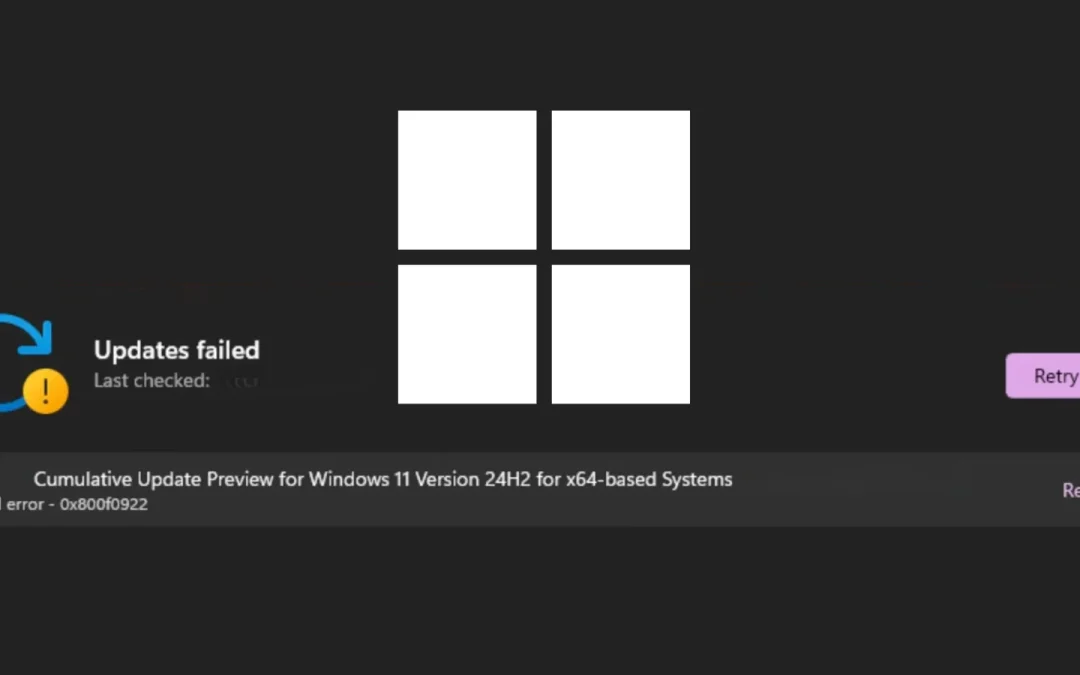
Microsoft has officially recognized a significant installation issue impacting its May 2026 Patch Tuesday cumulative update for Windows 11, KB5089549, leaving users faced with error code 0x800f0922 and, in some instances, additional errors 0x80240069 and 0x80240031.
The acknowledged problem was officially added to the update’s change log on May 15, 2026, merely three days subsequent to the patch’s rollout.
Released on May 12, 2026, KB5089549 is an obligatory cumulative update for Windows 11 versions 25H2 and 24H2, advancing OS builds to 26200.8457 and 26100.8457, respectively.
The update incorporates the most recent May 2026 security patches, non-security quality enhancements from April’s optional preview release (KB5083631), and vital Secure Boot infrastructure modifications.
Due to its classification as an essential security update, Windows automatically attempts to install it, making the installation failure especially disruptive for impacted devices.
The identified root cause of error 0x800f0922 is inadequate space in the EFI System Partition (ESP), a reserved, low-capacity partition on the device’s drive that maintains essential boot files.
KB5089549 introduces considerable Secure Boot infrastructure adjustments, including a new SecureBoot folder under C:Windows on compliant devices, along with sample automation scripts meant to assist IT administrators in managing certificate updates across enterprise fleets.
These enhancements increase the volume of files written to the ESP during installation, triggering the failure on systems with insufficient available space on the partition.
A key aspect of this update is the phased deployment of new Secure Boot certificates, which provide high-confidence device targeting data to enhance coverage for eligible devices.
Devices will only receive the new certificates after demonstrating adequate successful update signals, ensuring a managed rollout.
Furthermore, the update includes example scripts under the new SecureBoot directory, allowing IT professionals in Active Directory environments to automate Secure Boot certificate deployment through secure rollout methods.
Other Vital Fixes in This Update
Aside from the Secure Boot enhancements, KB5089549 addresses several critical problems:
- BitLocker Recovery Loop Resolved: The update rectifies a known issue where devices operating April 2026’s KB5083769 could enter BitLocker Recovery following boot file updates, particularly on systems with erroneous PCR7 (Platform Configuration Register 7) TPM validation settings.
- Boot Manager Stability: Enhancements to startup reliability guarantee devices boot normally after boot file updates without entering recovery mode.
- SSDP Service Reliability: Improvements to Simple Service Discovery Protocol (SSDP) notifications prevent the service from becoming unresponsive.
- Daylight Saving Time: The update introduces DST support for the 2023 adjustment affecting the Arab Republic of Egypt.
Mitigations
Microsoft is actively deploying a solution for affected devices. System administrators overseeing enterprise environments can utilize the new Secure Boot automation scripts available post-update installation to monitor certificate update progress and manage phased deployment via Active Directory.
Organizations should keep an eye on the Windows Release Health Dashboard for the latest resolution status.
Users who have previously installed prior cumulative updates will only acquire the incremental modifications included in this package, potentially lessening ESP space demands on systems that have already been updated.
“`