
“`html

Microsoft is enhancing the security framework of corporate collaboration by automatically activating essential messaging safety features within Microsoft Teams.
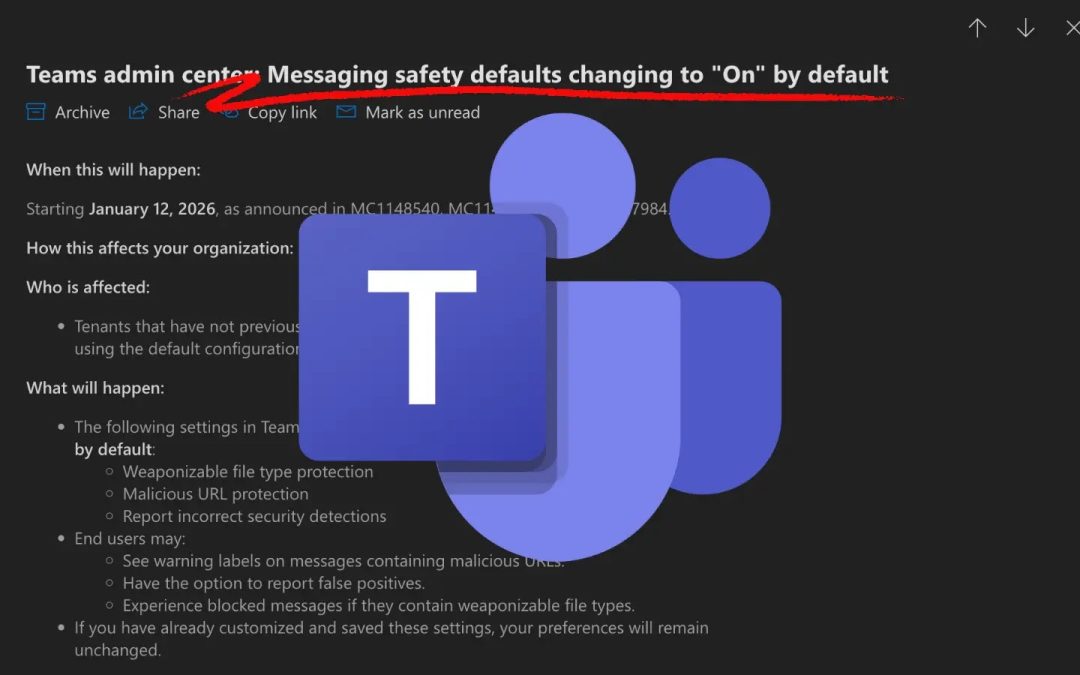
According to a recent administrative update, the corporation will set several protective features to “On” by default starting from January 12, 2026, impacting tenants that utilize standard configurations.
This initiative signifies a transition toward “secure-by-default” strategies, with the objective of minimizing the attack surface for organizations that might have neglected manual security fortification.
As outlined in administrative notices MC1148540, MC1148539, and MC1147984, the update focuses on the Messaging Safety segment of the Teams Admin Center.
What Is Changing?
For tenants that have not altered their messaging safety configurations, three distinct protections will be automatically enabled:
- Weaponizable File Type Protection: This feature prohibits the transmission of file extensions recognized as high-risk vectors for malware execution.
- Malicious URL Protection: Teams will analyze shared links in real-time to identify and flag established phishing sites or harmful domains.
- Report Incorrect Security Detections: This feedback mechanism enables end-users to report false positives, assisting Microsoft in refining its threat detection algorithms.
This rollout particularly impacts tenants using the default configuration. Organizations that have previously customized and saved their messaging safety settings will remain unaffected; their established preferences will take priority over the new defaults.

Once the update is implemented, end-users may observe immediate alterations in their daily processes. Employees sharing content may see warning labels attached to messages containing suspicious URLs.
Additionally, users attempting to transfer file types regarded as “weaponizable” will encounter blocked messages. Nevertheless, the addition of the reporting feature ensures that legitimate business operations are not permanently hindered by false alerts.
For IT administrators, the period to review these changes is now open. Microsoft recommends administrators to navigate to Teams admin center > Messaging > Messaging settings > Messaging safety to verify current values.
Admins wishing to opt out of these defaults must manually adjust and save their settings prior to the January 12, 2026, deadline. If no action is forthcoming, the new security protocols will be implemented automatically.
To facilitate a seamless transition, security teams are encouraged to update internal documentation regarding acceptable file types and URL alerts. Microsoft also suggests that organizations inform helpdesk personnel about the impending changes.
Preparing support teams now will assist them in distinguishing between genuine security blocks and potential system errors when users start reporting issues in early 2026.
By standardizing these protections, Microsoft aims to reduce the escalating trend of threat actors leveraging collaboration platforms for lateral movement and malware dissemination.

“`